HOW TO RECORD A SONG ON YOUR PHONE?
Heys guys..so in this blog i am going to talk about how to record a song completely on your mobile phone.You can use any phone…apple phones (ios) or smart phone (android).
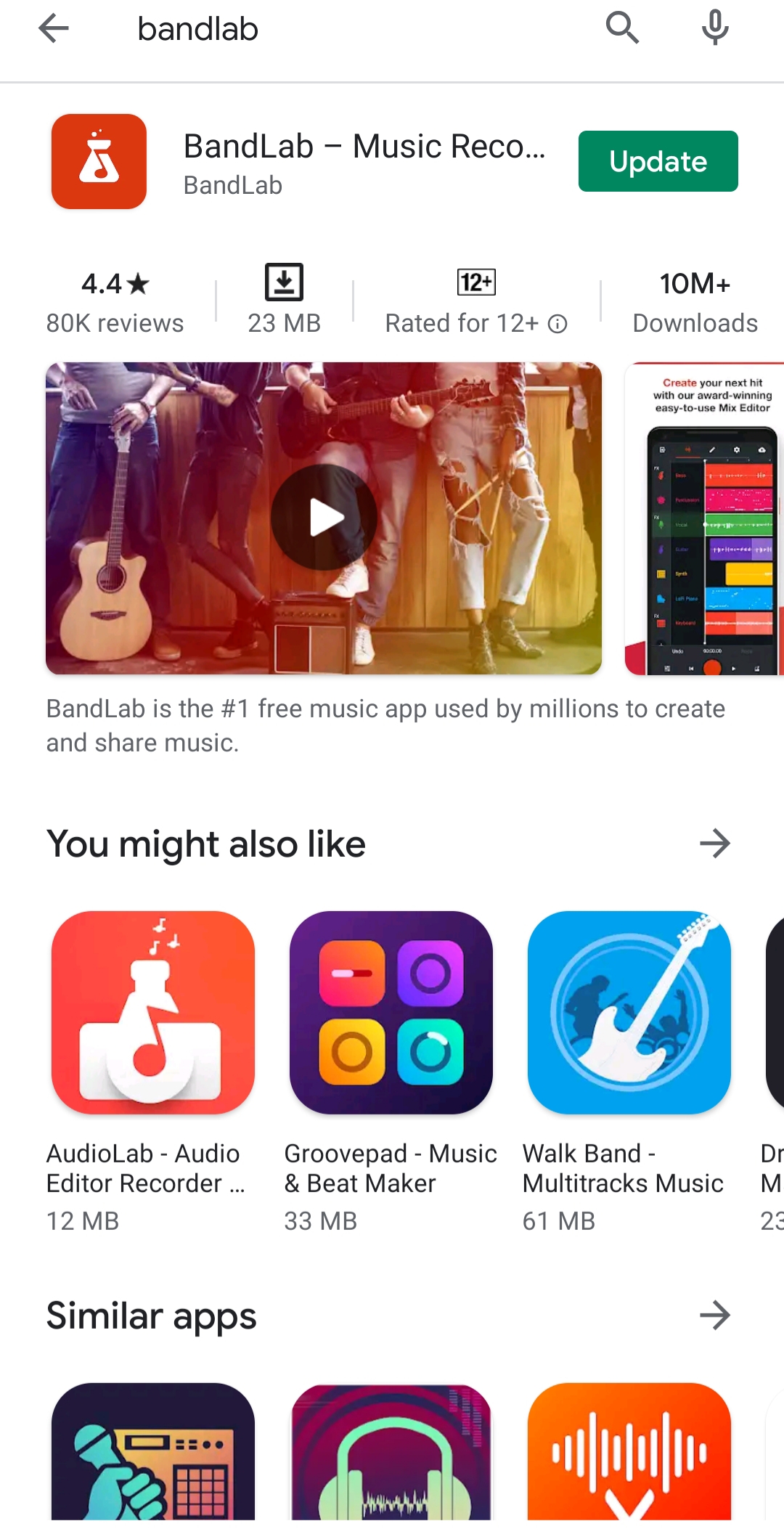
So, firstly you have to download the app called BANDLAB from your playstore or appstore. Then sign into it….

After that click on the + …it means that you have started a new project.

(NOTE: I highly recommend you guys to use your headphones for recording your vocals or sounds in quite better quality….There are mics availible in online stores which you can easily connect with your phones)
Then click on voice/mic ….

Then you will be able to see the above mentioned screen.then on clicking the red button you will be able to record the sound..and then by clicking it again it will stop recording.
you guys can add diffrent effects on your recordings on clicking in Fx.

And yes.. you can autopitch it by clicking on it. You can choose low,medium or high.

You can add multiple tracks in it by clicking on plus.

Now here is an amazing idea which i would like to share with you guys. I will make a blog about how to add music to your clean or raw vocals:)

You can save or publish the project on your bandlab profile….after sometimes all the tracks will be synced and you can download the song in your audio library:)
So, this was a super basic tutorial on how to reacord good quality vocals on your phone.
THANK YOU GUYS FOR READING MY BLOG.PLEASE LIKE,SHARE AND FOLLOW MY PAGE FOR MORE INTRESTING BLOGS.
COMMENT BELOW IF YOU WANT ME TO WRITE AN ANOTHER BLOG ON YOUR CHOSEN TOPIC:)
LOTS OF LOVE……YARI.
 SHUKLA YARI