Laptop buying guide for engineering purpose.

laptop buying guide for engineering purpose.

(programming, circuit designing etc.)

1. Processor and generation

-Intel core i5

-8th generation

2. RAM

-8 GB RAM

-with compatibility of DDR4

3. Hard disk

-1/2TB HDD OR

-256 GB SSD

(SSD is much faster than HDD. But HDD has more storage…still personally I recommend SSD)

4.Operating system

-windows 10

5.Display

-full HD display of 1920*1080

6.Screen

-15.6 inches recommended. (14 inch can also work but still….)

7.Graphics card

-4 GB/2GB

(as better the size of graphics card is there, more powerful graphics will be available)

BONUS TIPS

·     It would be great if windows and MS office is preloaded in the laptop you purchase.

·     Some laptops even provide free antivirus service for a certain time period…so check it out if your laptop has one.

Note: All the things which are mentioned above is based on my personal opinion as an electronics engineer.

Follow my page if this helped you:)

Let’s get connected on:

INSTAGRAM
TWITTER
YOUTUBE

HOW TO ADD MUSIC TO VOCALS FOR FREE?

How can you add music to clean vocals on phone without having any musical instrument for free?

Hey guys…i am here to share information on an another instresting topic with you guys. So if you guys don’t have any musical instrument and still want to make music on your phone or if you have instruments but want to create music anywhere using a simple single body device…read on to find out how to do it:)

There are 2 ways to do it and both of them are absolutely free.

1.There are many online applications availble.

Yes, you heard it right….there are many online apps you can create basic music for free.You can create different musical instrument sounds suvh as guitar,piano,electro pad etc. Here are some of the famous apps for it:

  • MUSIC MAKER JAM
  • DRUM PAD
  • GROOVEPAD
  • PERFECT PIANO

You can search many more apps for the same.

2. If you are making a cover,you can download mp3 of karaoke tracks from youtube

So here is an super easy way to choose your favorate karaoke track from a varity of them.I have tried to make it easy for you guys to learn it.Follow below mentioned simple steps:

  • Open youtube and search for the instrumental of the song you need.
  • Scroll down and find out the one which fits to you after properly listening it.
  • Click on share button below the video and copy the link.
  • Open google browser and search for “youtube to mp3” or you can click to any of below mentioned link.
  • Paste the link and download it.
  • Then use the instumental track to record your vocals:)

If you want to know about how to record your vocals on the instrumental on phone…check out my blog on that.

Thanks for reading my blog…please follow me for more such blogs….like…share…comment…

LOTS OF LOVE…YARI❤

LET  US CONNECT: 

INSTAGRAM

TWITTER

YOUTUBE

Best singing app….smule vs starmaker

Best apps for singers to begin with…SMULE OR STARMAKER?

Hey guys, so here I am with an another blog on which are the best application for singers (beginners)…..I hope this guide will meet your aspectations and after reading the blog you will find the one which fits to you:)

SMULE VS STARMAKER

So we will talk about each one by one:)

SMULE

So I really feel that smule is one of the best application for singers who are beginners or proffesionals. It includes some of the best functions for your all possible musical needs.

ADVANTAGES:

  • You can sing any of your favorate song in free by joining any VIP smule user. 
  • There are many filters which you can add to your vocals.If you are not a VIP user you have an excess to limited filters only.But still they are really cool to go.
  • You can join some well known reputed singers in free like Shawn mendes, Anne marie, Armaan mallik, Darshan raval etc.
  • You can join to any online singing compitition in free.
  • There are jams you can enter and have fun for free which are started by VIP users.

DISADVANTAGES:

  • You can upload only upto 100 songs for free.
  • If you want to sing any song which do not have an already invite then you can not sing it.
  • You cannot sing any song in solo if not previously uploded by someone else.

STARMAKER

I believe that the quality of smule is quite better than starmaker..but it is good to go and has more feature in free than smule.

ADVANTAGES:

  • You can sing any solo song in free.
  • You have quite wide range of filters you can work with.
  • Here also you can sing with singers like Aditya Narayan , Dhvani Bhanushali etc.
  • You can participate in any compitition for free.
  • There are music rooms you can enter and have fun.

DISADVANTAGES:

  • When I used this app for singing, I heard some original voice tracks in considerably loud voice which disturbed me a lot while singing.

Some facts of both.

  • You can chat and interact with others users to have fun and talk about music:)
  • I personally felt that gaining followers and getting famous is quite easy on starmaker.
  • Smule charges money for quality….and according to me they are quite trustworthy.

ALL THE POINTS MENTIONED ABOVE ARE MADE BY MY PERSONAL VIEWS.BOTH APPS ARE GREAT TO USE.I AM NOT ADVERTISING OR PROMOTING THIS APPS…THIS BLOG IS JUST ABOUT MY REVIEWS.

THANK YOU GUYS FOR READING MY BLOG.PLEASE LIKE,SHARE AND FOLLOW MY PAGE FOR MORE INTRESTING BLOGS.

LOTS OF LOVE……YARI.

INSTAGRAM

TWITTER

YOUTUBE

How to set up your own home music studio?

How to build up an proffessional and simple music studio at home?

Hey guys….if you are someone like me and want to convert an already existing room in your home or maybe your bedroom into a music stuidio….you have visited the right place!!!

1. Imagine the design in your mind that how do you want your studio you look like…

So,first of all you gotta have an overview in your mind that what kind of music theme you want to build up. Choose the colours , furnitures , images,instruments and gears you want to include in your studio.

You should probably buy some cool furniture online or maybe collect some old but comfortable furnitures such as a table, a chair , some rough partitions to keep the gears in , etc.

2. Collect all the instruments and gears at arrange them in an order…

So, this is the most basic and important part of the music studio. Collect all the gears,equipment,tools etc. such as follows:

  • Computer / laptop
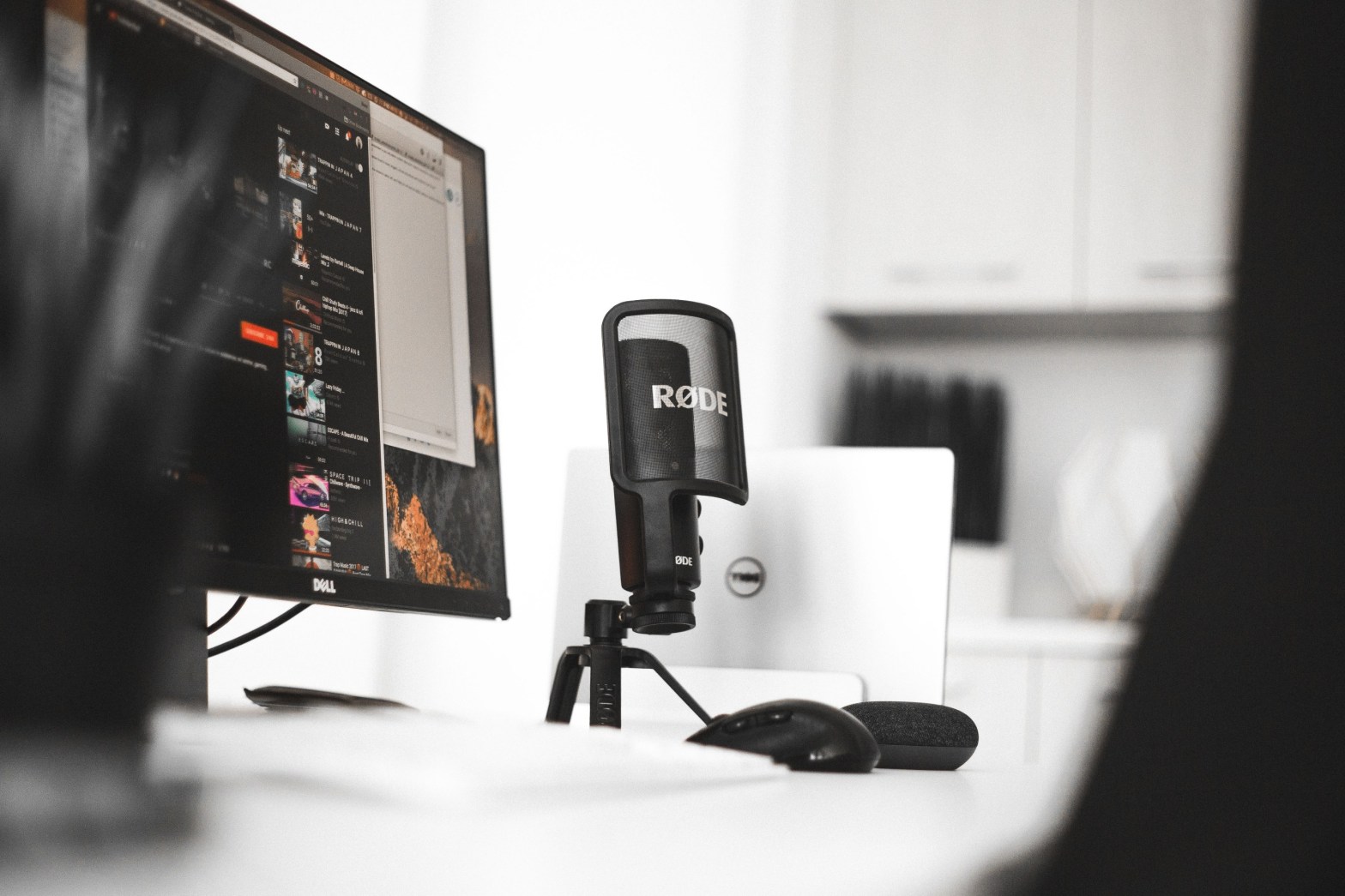
  • microphone
  • micstand
  • pop filter
  • musical instruments i.e. guitar,piano keyboard, etc,

3. Create your own vocal booth

As you guys probably already knows that a vocal booth is very very important for recording a clean and clear audio which sounds really proffesional.

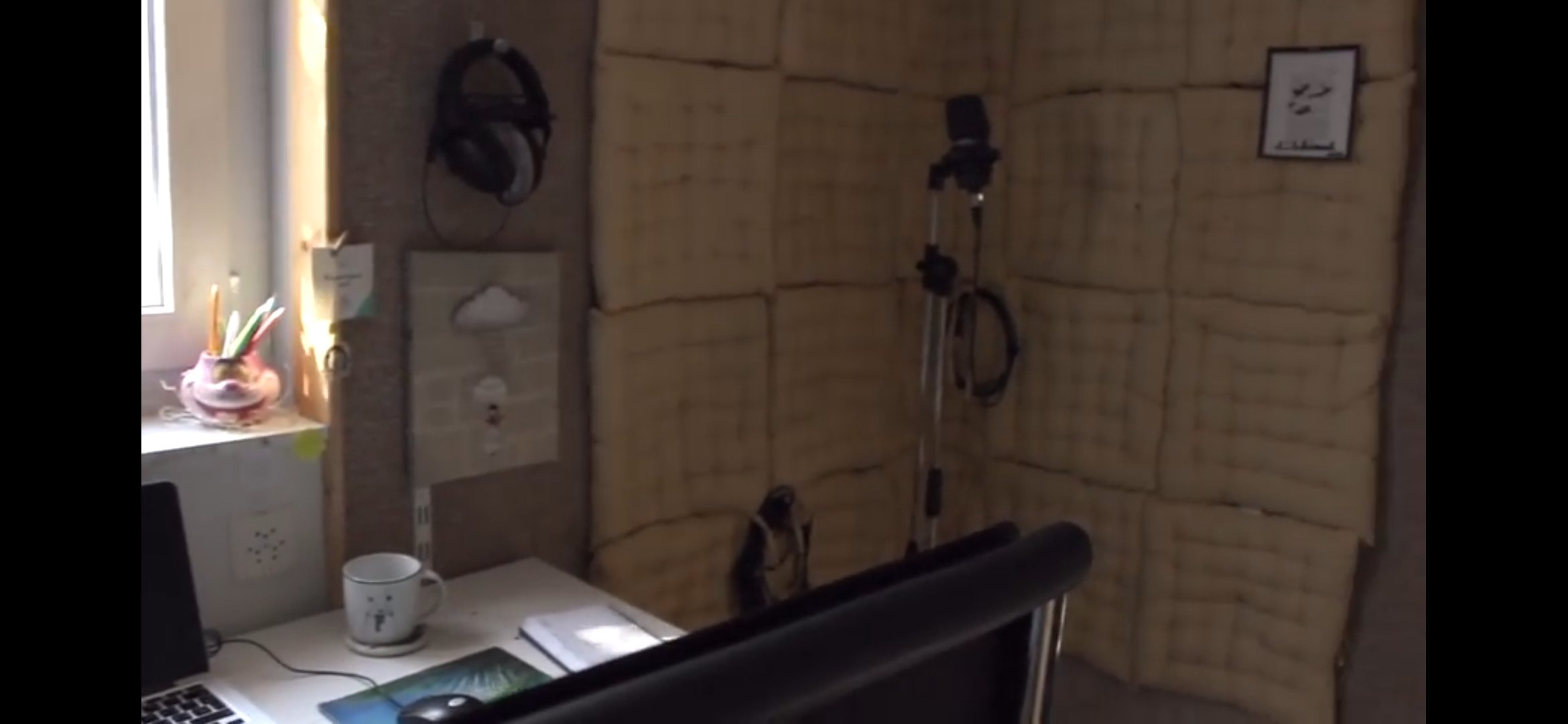
So now a question would arise in your mind that how to create a cheap and good vocal booth. Here is an trick….choose a corner of your room and apply really very cheap pillows on the wall..this is really an amazing tip to convert your room noiseproof

An another option is to buy a vocal isolation booth which works the same.

4. Important tips every music studio should include…

so here is a rough note availible you should surely read.

  • Cover the floor and walls with a carpet to avoid echo.
  • Must cover the windows with curtains while recording make the room soundproof.
  • Decorate the remaining walls and tables with inspiring quotes and images to create an magnificent environment to produce music.

Hey guys…please follow my page for more such kind of posts…

Lots of LOVE……YARI ❤

INSTAGRAM

TWITTER

YOUTUBE

How to record a song professionally on your phone?

HOW TO RECORD A SONG ON YOUR PHONE?

Heys guys..so in this blog i am going to talk about how to record a song completely on your mobile phone.You can use any phone…apple phones (ios) or smart phone (android).

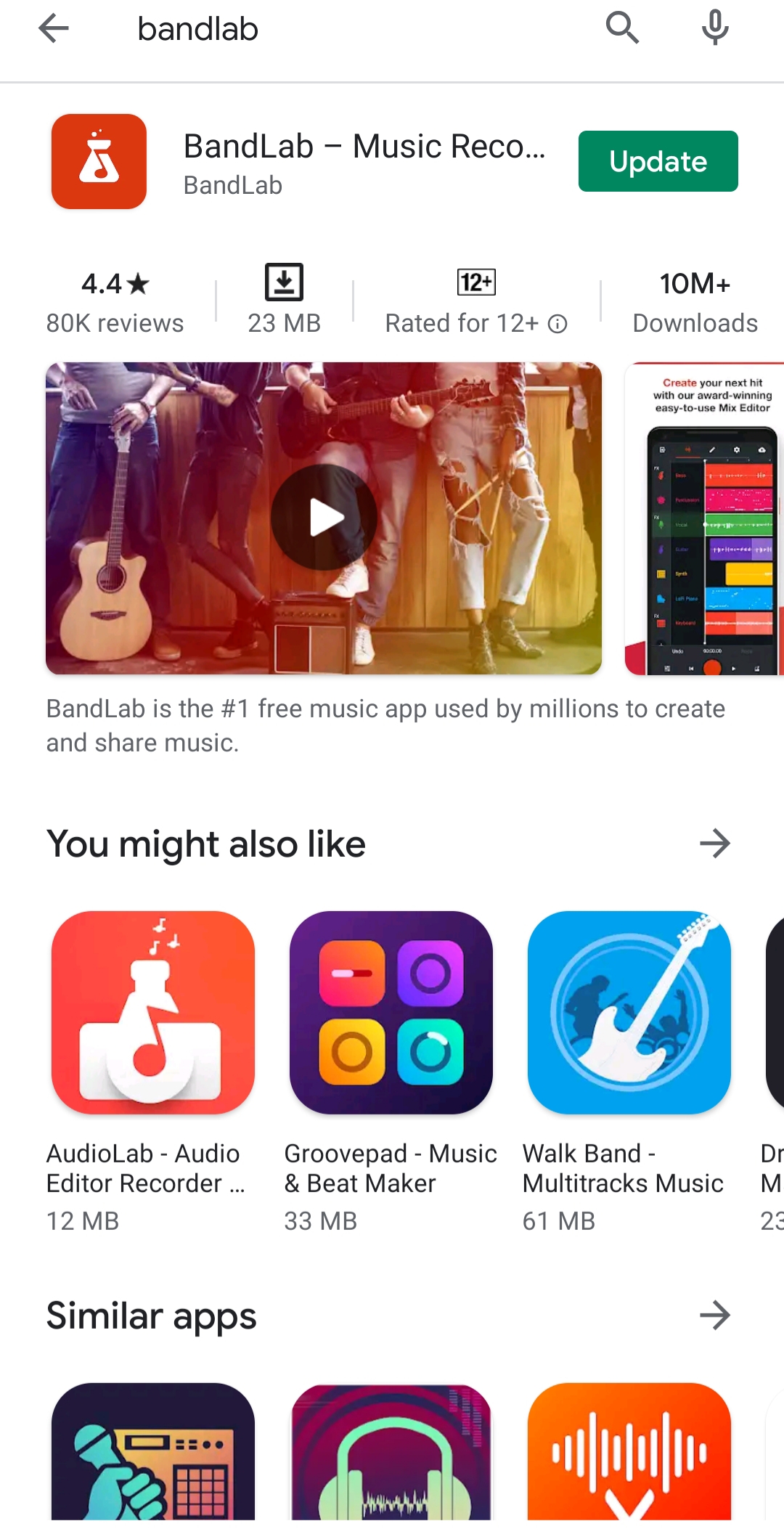
So, firstly you have to download the app called BANDLAB from your playstore or appstore. Then sign into it….

After that click on the + …it means that you have started a new project.

(NOTE: I highly recommend you guys to use your headphones for recording your vocals or sounds in quite better quality….There are mics availible in online stores which you can easily connect with your phones)

Then click on voice/mic ….

Then you will be able to see the above mentioned screen.then on clicking the red button you will be able to record the sound..and then by clicking it again it will stop recording.

you guys can add diffrent effects on your recordings on clicking in Fx.

And yes.. you can autopitch it by clicking on it. You can choose low,medium or high.

You can add multiple tracks in it by clicking on plus.

Now here is an amazing idea which i would like to share with you guys. I will make a blog about how to add music to your clean or raw vocals:)

You can save or publish the project on your bandlab profile….after sometimes all the tracks will be synced and you can download the song in your audio library:)

So, this was a super basic tutorial on how to reacord good quality vocals on your phone.

THANK YOU GUYS FOR READING MY BLOG.PLEASE LIKE,SHARE AND FOLLOW MY PAGE FOR MORE INTRESTING BLOGS.

COMMENT BELOW IF YOU WANT ME TO WRITE AN ANOTHER BLOG ON YOUR CHOSEN TOPIC:)

LOTS OF LOVE……YARI.

INSTAGRAM

TWITTER 

YOUTUBE 

Which things do you need to have to set up a basic music studio?

Which things do you need to have to set up a basic music studio?

Hey guys…so in this blog i am going to talk about how to build up your own home music studio….so let’s jump into it!!!!!

You need below mentioned five things to setup your own super basic music production home studio.They are:

1) COMPUTER

2) DAW

3) AUDIO INTERFACE

4) LARGE DIAPHRAM CONDENSOR MICROPHONE

5) HEADPHONES AND SPEAKERS

So now let me explain you everything in detail. Let’s get into it……………..

(1) COMPUTER

It is really very obvious that we all need a computer for music production. It is the most essential thing for it. Now a question would arise in your mind that which computer should you buy….the answer is really very simple…..windows or macbook…any one of it would be really great to start music production. Probably the computer or laptop you already have would be good to go..Just keep in mind that it should have a good RAM and CPU.

(2) DAW

It means digital audio workstation. The software or the application that you will use to record,arrange,mix and master your tracks. This is where the magic happens..so there are lots of daws availible in the market. You should do your research on them…and choose the one which fits to you anmd your musical needs.

AUDACITY is a free daw you can start with:)

(3) AUDIO INTERFACE

So the audio interface is basically a box that converts real life audio signals into digital audio signal.There are many kind of interface availible out there…you can own anyone from online stores. Some of them can be used to record many instruments at the same time. you can add many effects to your recordings using it.

(4) LARGE DIAPHRAM CONDENSOR MICROPHONE

So now let be tell you what it really means. The microphones are classified in to two major catagories.They are:

1. Condensor microphones
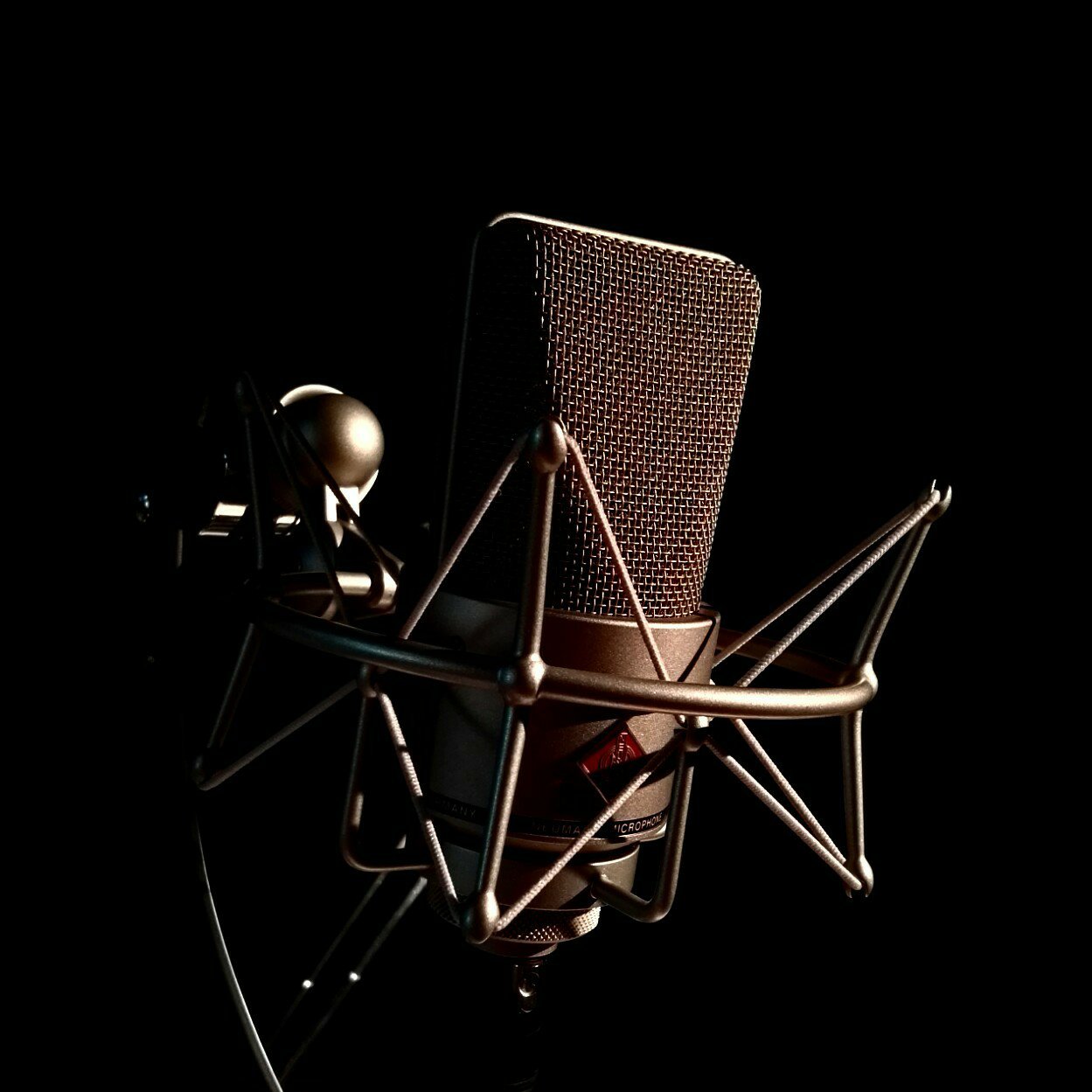
so,Condensor microphones are very sensitive mics..which records very minute details. They are widely used in recording vocals and music. I would prefer you guys to buy a condensor mic…of better quality…You can buy it online after doing a proper research.

2. Dinamic microphones
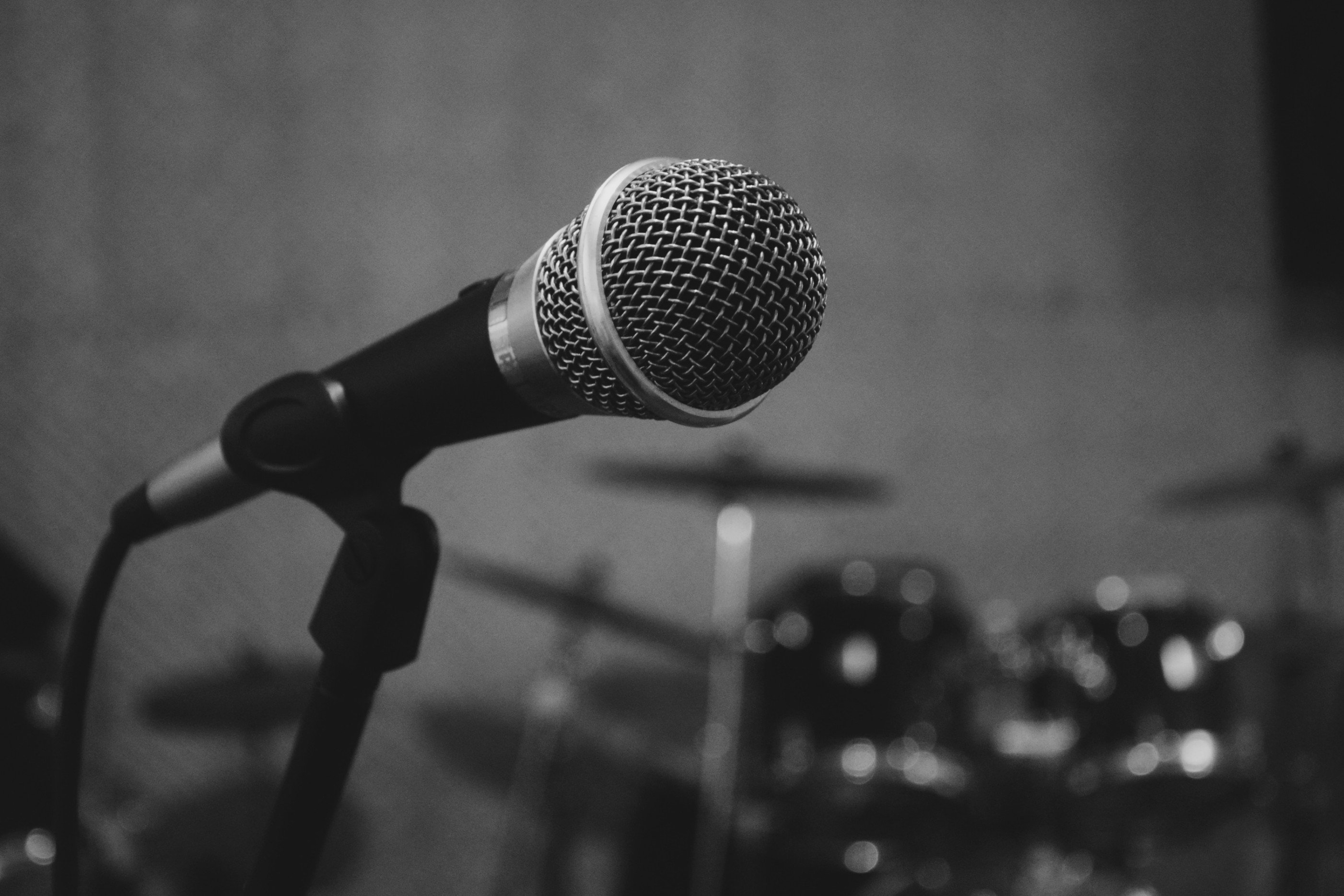
Dinamic mics are less sensitive then condensor ones…they do not record every minute note during recordings that is why they are used in live performances.

(5) HEADPHONES AND SPEAKERS
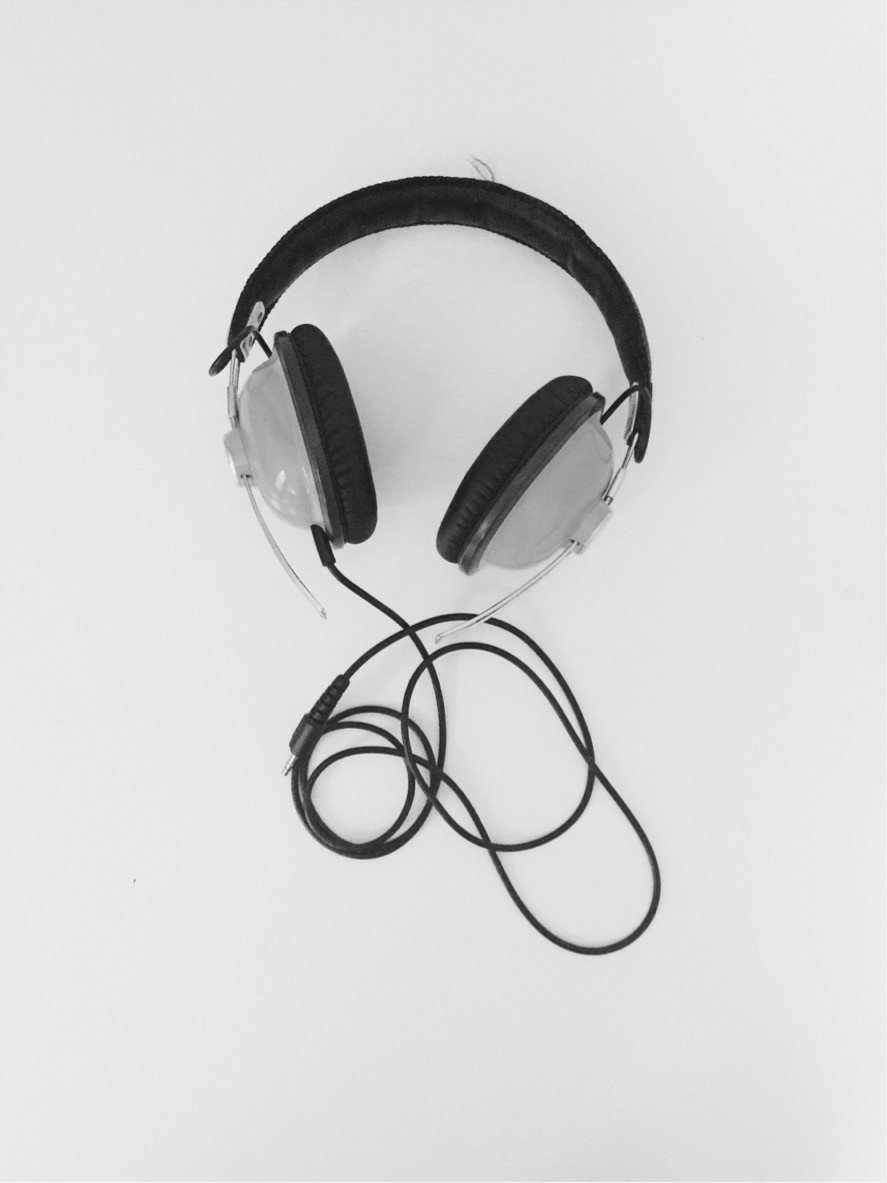
here you go…after recording your songs…you have to listen them on headphones and speaker monitors to get at idea that how it is actually gonna sound to the audiance. They are very essential.

(+) A BONUS TIP
If you know to how to play any musical instrument like guitar or keyboard or maybe anything else…it would be great to add it in your home music studio.

THANK YOU GUYS FOR READING MY BLOG.PLEASE LIKE,SHARE AND FOLLOW MY PAGE FOR MORE INTRESTING BLOGS.

Comment below for any suggestions.

LOTS OF LOVE……YARI

INSTAGRAM

TWITTER

YOUTUBE

INTRODUCTION TO MY BLOGS

I am YARI.This is my first blog. I am really very excited for making blogs.

Here is my algorithm for making blogs…👇
I will choose a topic for you guys and post 10 blogs on any single topic.
Your topic suggestions are always welcomed by me:)) you can comment below any topic, you want me to share.
Yari❤
Let’s connect 💫
Design a site like this with WordPress.com
Get started